
Latest Version
Kingloft
Design
Windows
Free
9n4hq17r3l83
Report a Problem
More About Photo Editor-
A Complete Creative Workspace on Your Desktop
Finding a balance between robust functionality and ease of use can be a challenge when selecting creative software. Photo Editor- by Kingloft addresses this need by offering a versatile, all-in-one workspace designed specifically for Windows users. Whether you are preparing polished graphics for social media, assembling engaging memes, or touch-up editing everyday snapshots, this design application streamlines the entire creative workflow without overwhelming the user.
Key Features and Creative Capabilities
The strength of Photo Editor- lies in its diverse toolset, which caters to both rapid adjustments and detailed custom edits. Below are some of the standout features available within the application:
- One-Tap Optimization: Instantly improve lighting, contrast, and color balance with an intelligent auto-enhancement tool.
- Background Eraser: Easily isolate subjects and remove unwanted backgrounds to generate clean cutouts for advanced compositing.
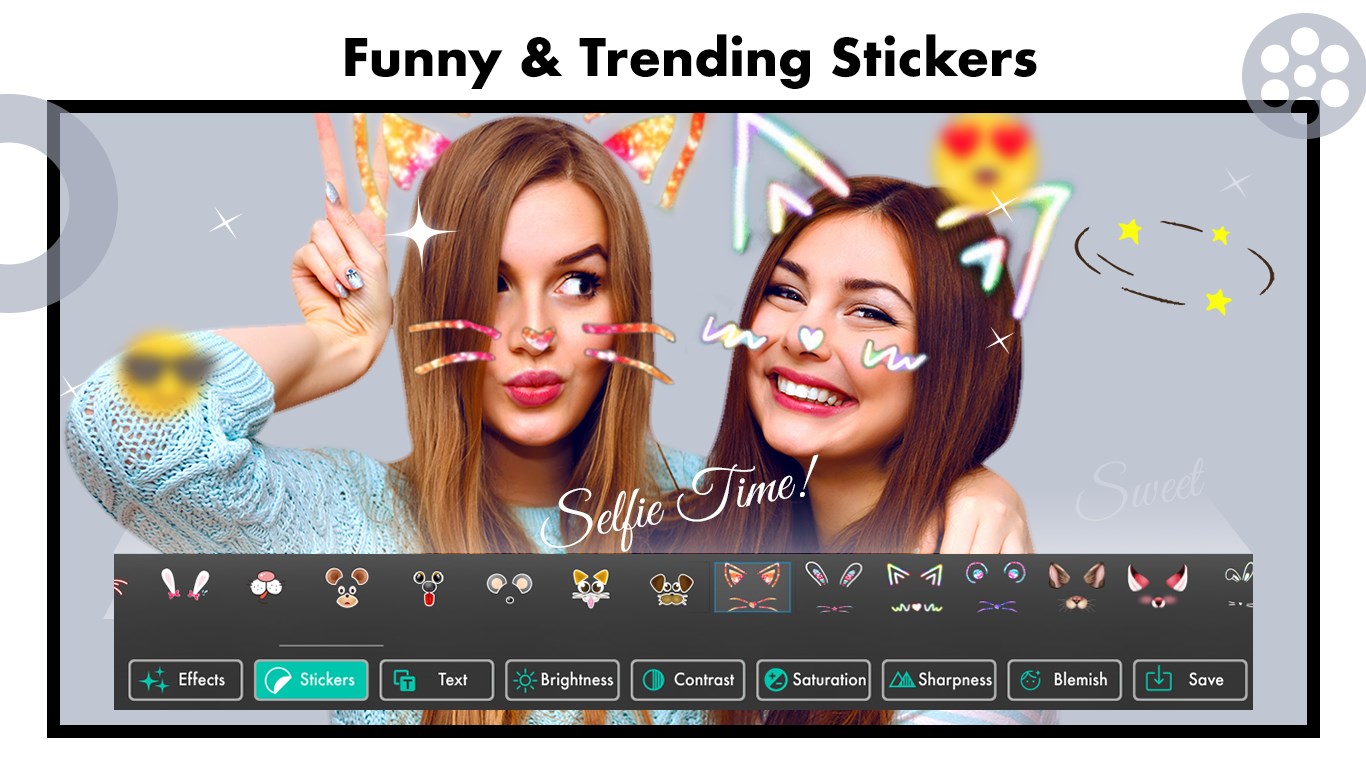
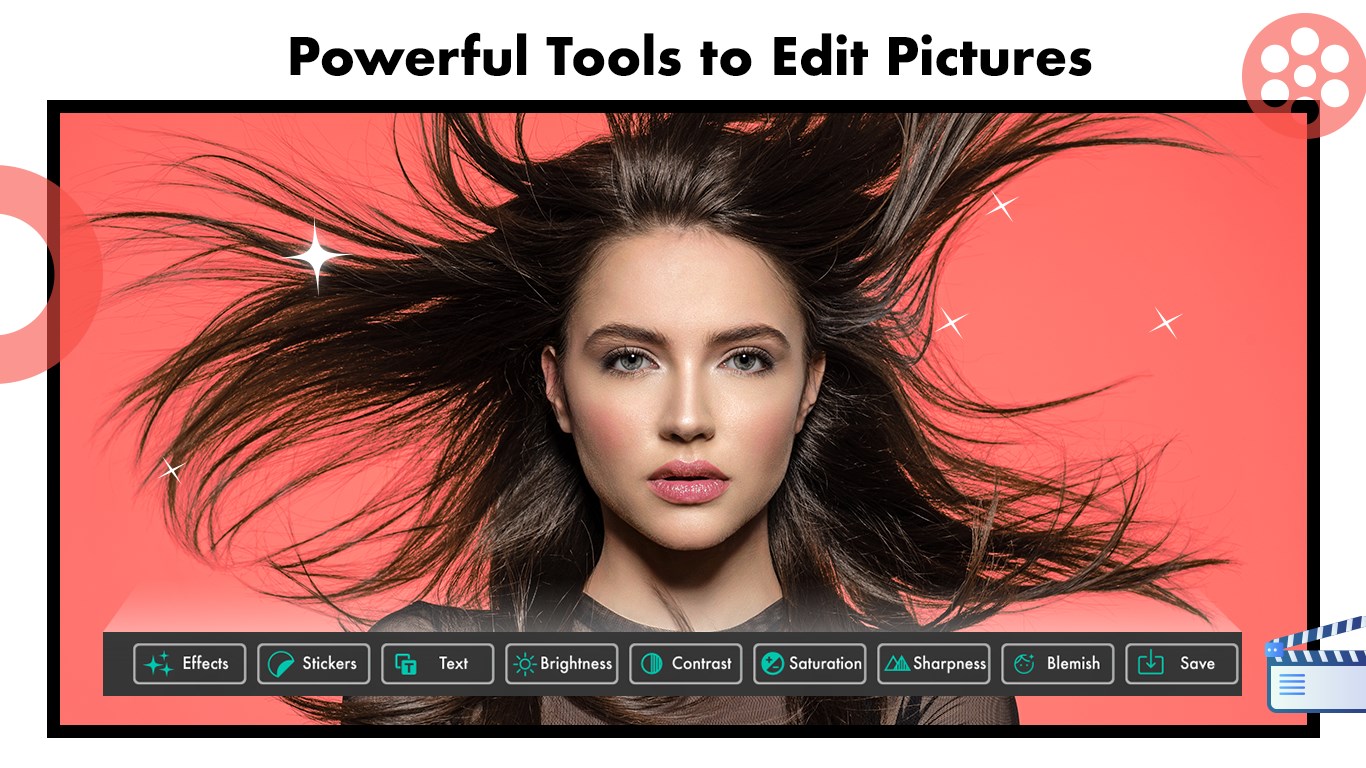
- Fine-Tuned Adjustments: Take manual control over core image properties, including brightness, temperature, saturation, sharpness, and selective blur.
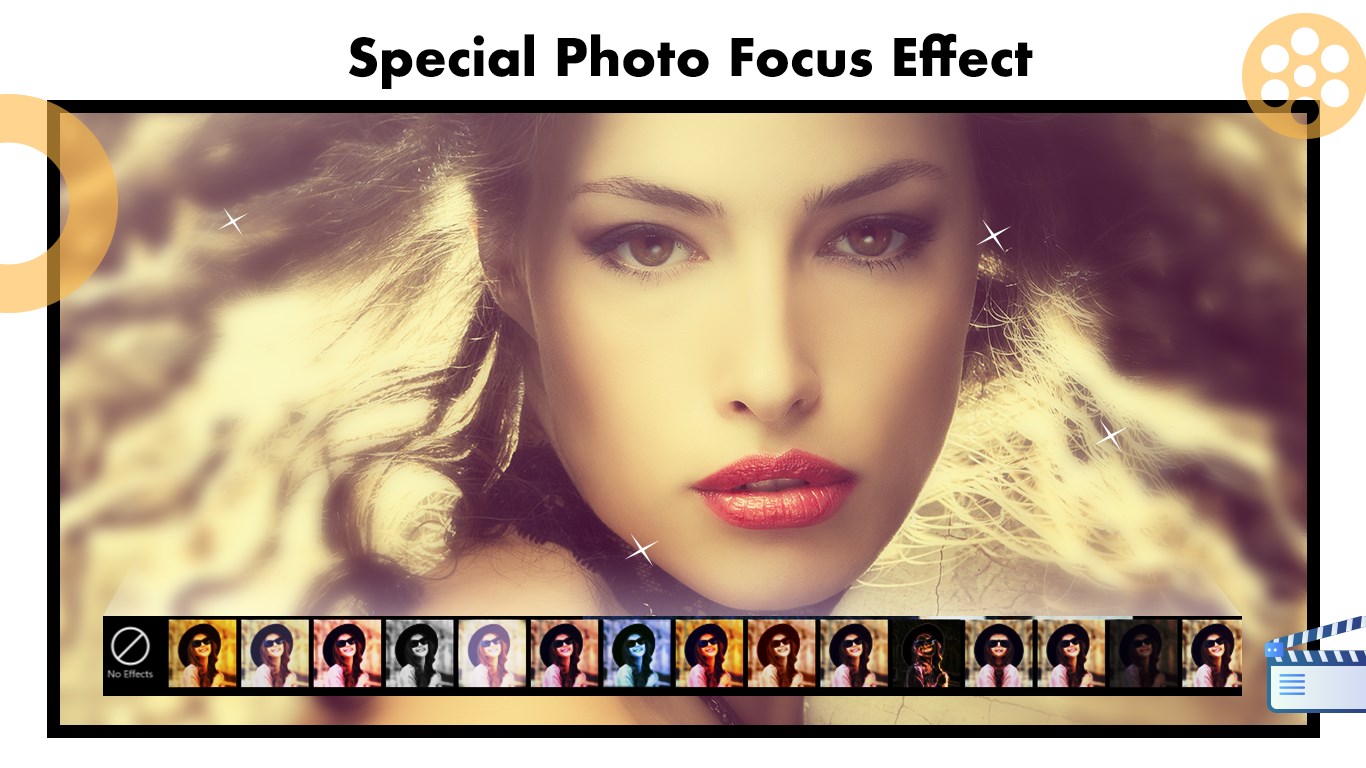
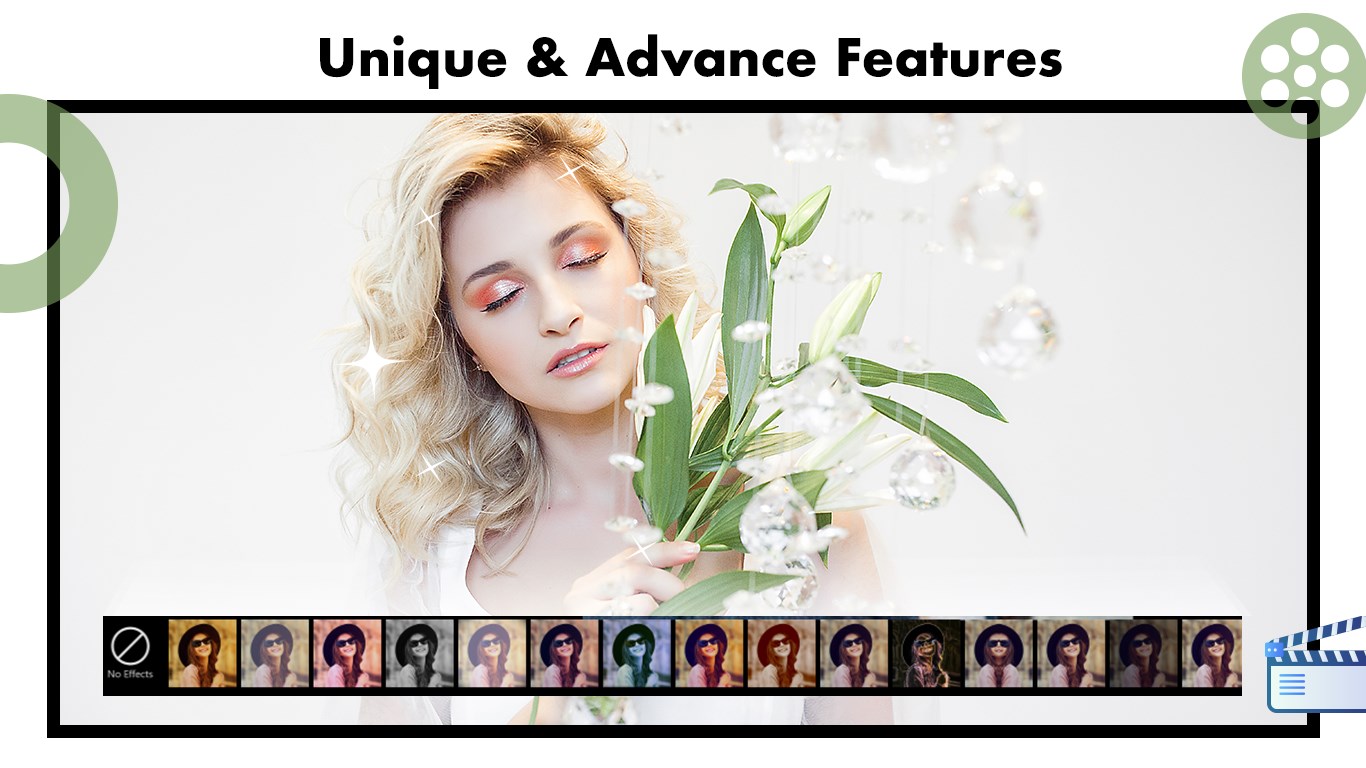
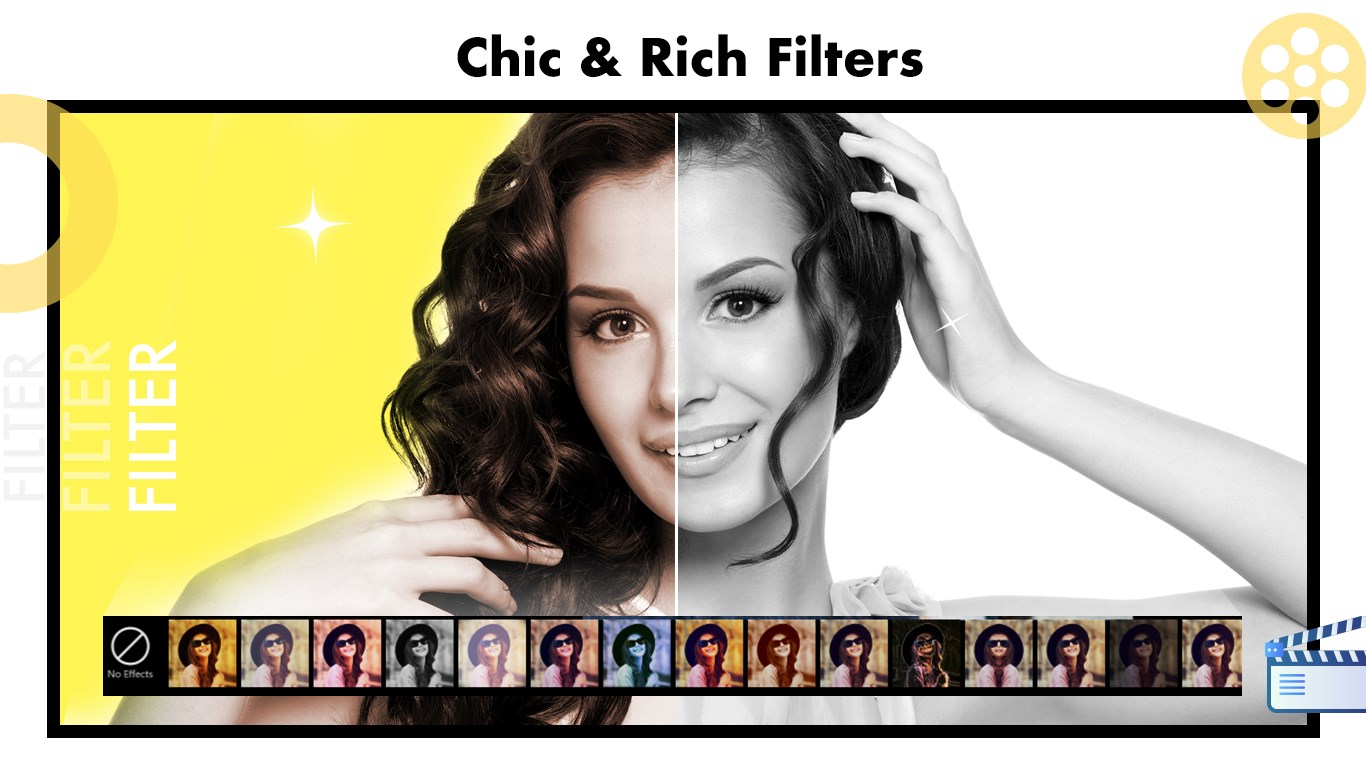
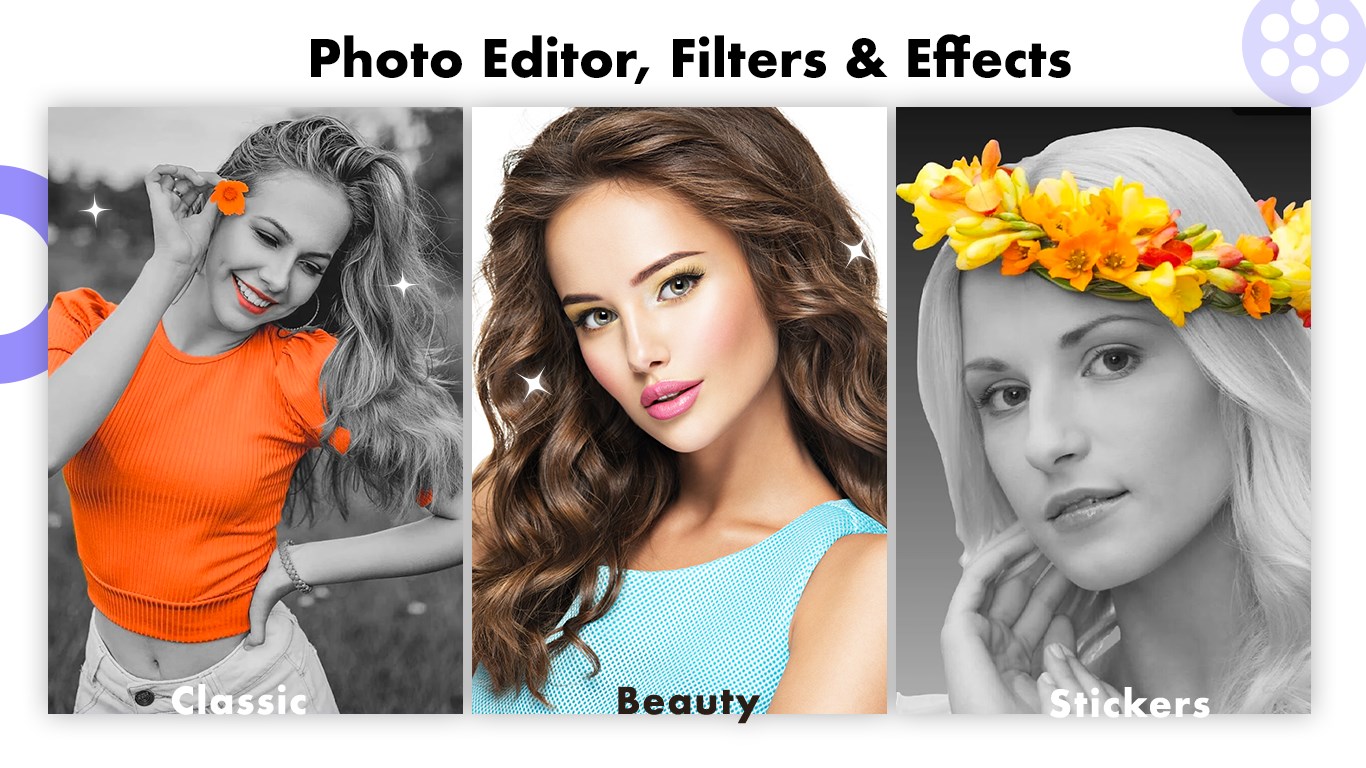
- Creative Overlays and Filters: Apply stylish filters, decorative frames, stickers, and custom drawings directly onto your canvas.
- Targeted Correction Tools: Utilize dedicated features like red-eye removal to quickly polish portrait photography.
Who Is This Application For?
This software is highly suited for casual creators, social media managers, and digital hobbyists who require rapid, reliable results on the Windows platform. Because it integrates essential utility tools—like cropping, rotating, and straightening—alongside expressive options like custom text and color splash effects, users do not need to cycle between multiple programs to finish a single project. The interface is organized logically, ensuring that tools remain accessible even if you have minimal experience with graphic design.
Subscription and Premium Features
While the application is free to download and try, users should note that certain premium features are locked behind in-app purchases (IAP). Maintaining an active subscription ensures continuous access to the full suite of advanced tools, with the developer providing regular updates to expand the premium library over time.
Final Verdict
For Windows users seeking a straightforward, reliable design companion, Photo Editor- delivers a highly functional suite of editing utilities. It successfully bridges the gap between basic filters and complex desktop publishing software.
To explore the application yourself and view the latest features, visit the official Microsoft Store page to download Photo Editor-.
Rate the App
User Reviews




Popular Apps










Editor's Choice