Latest Version
Media Tools Studio
Design
Windows
Free
9pbsmx4xlv2c
Report a Problem
More About PhotoMind - FREE Photo Editor & Photo Paint
A Seamless Digital Canvas on Windows
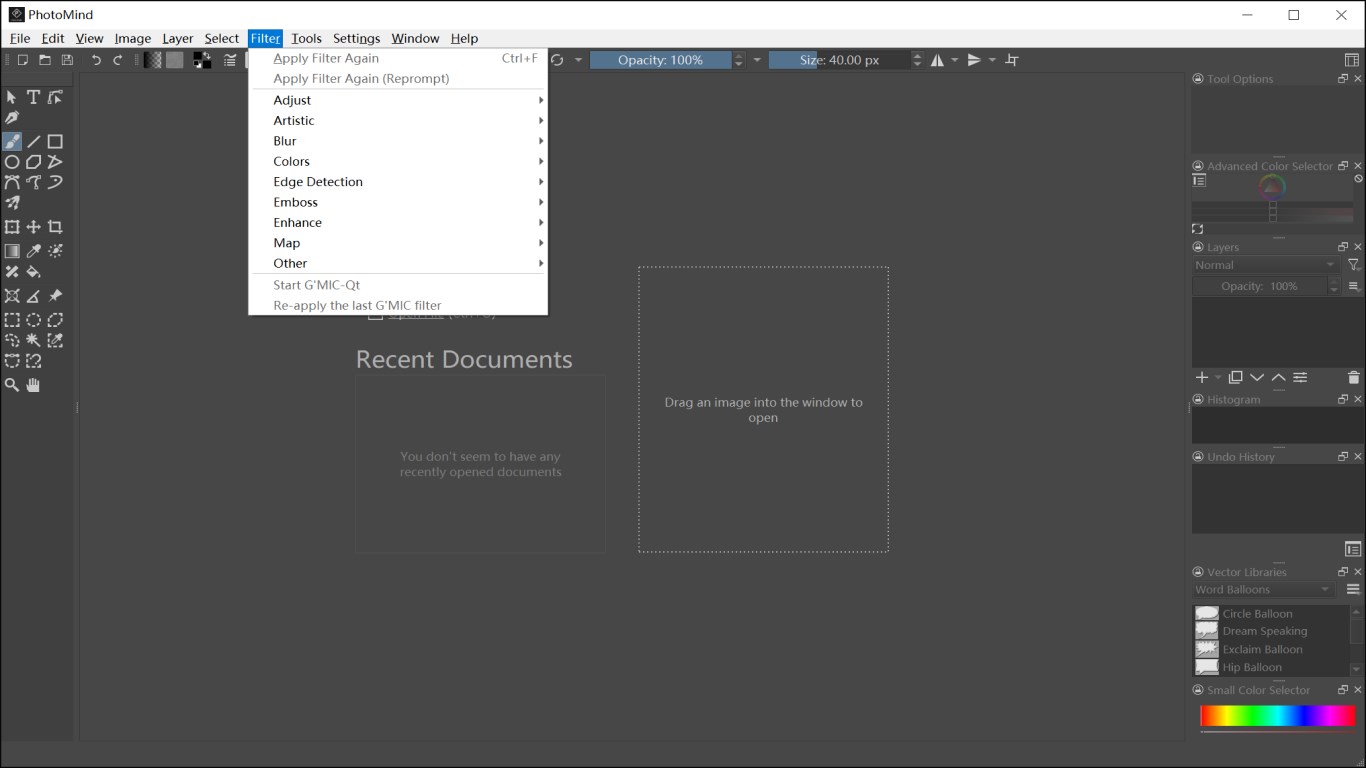
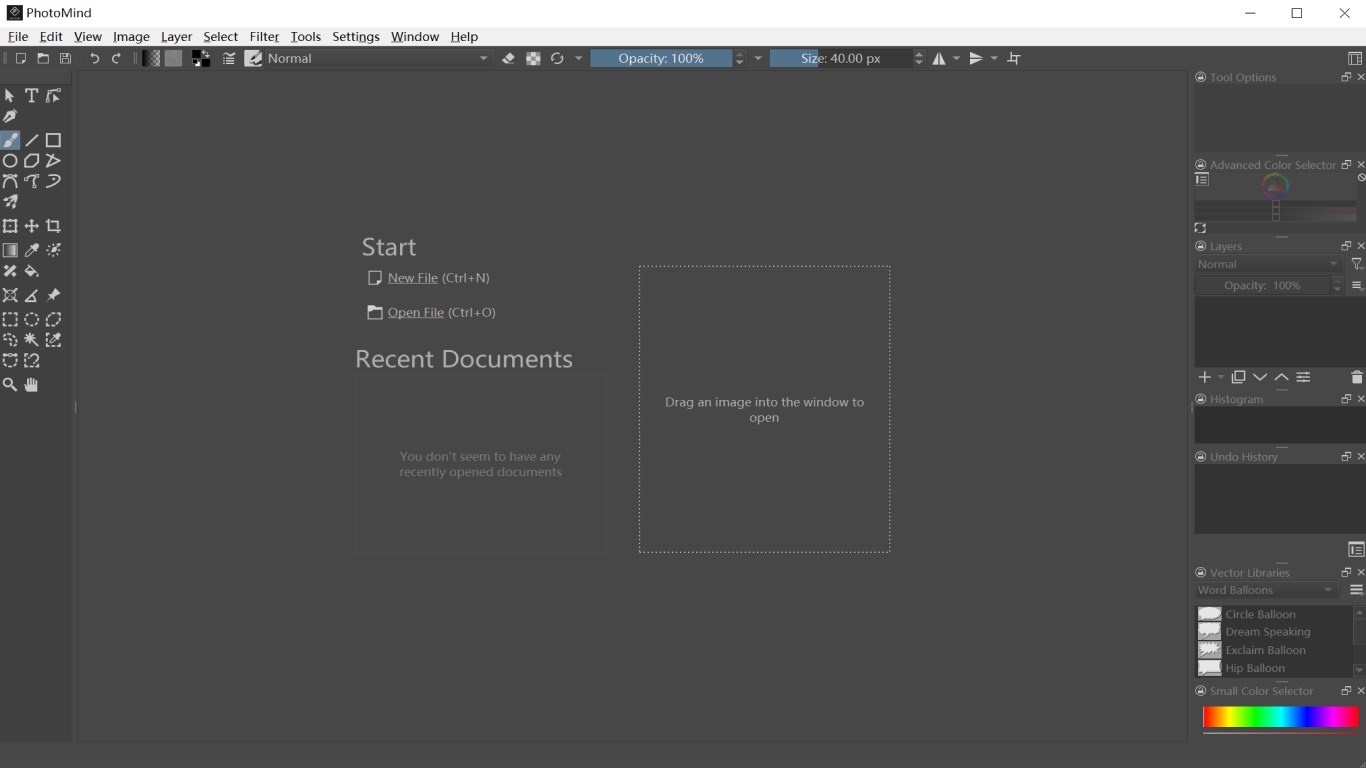
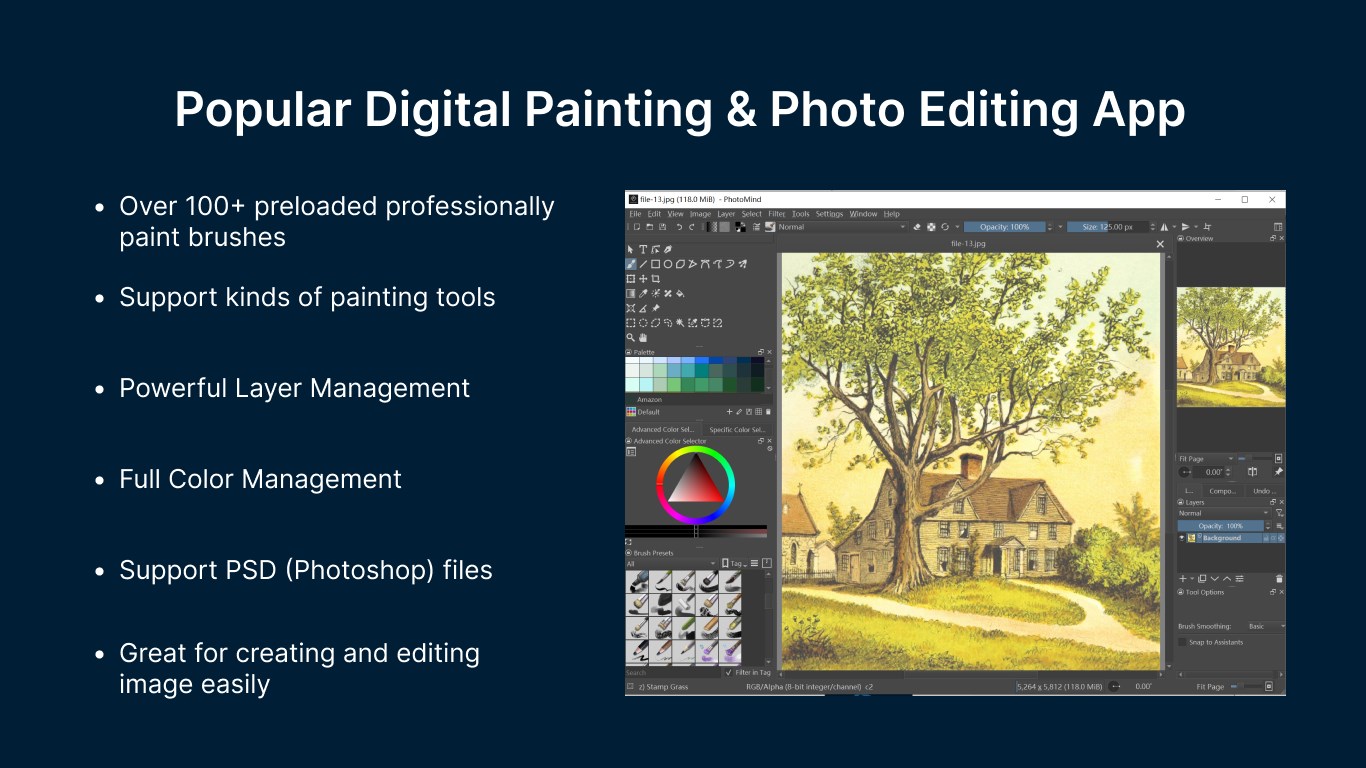
Stepping into the world of digital art often requires navigating heavy software packages and expensive monthly subscriptions. PhotoMind - FREE Photo Editor & Photo Paint offers a refreshing alternative for creators who want to dive straight into drawing and image manipulation without the financial barrier. Designed natively for Windows 10 and Windows 11, this application presents an open, fluid workspace that accommodates both casual doodlers and dedicated illustrators looking for a reliable, cost-free digital studio.
Versatile Compatibility and File Handling
One of the most compelling aspects of PhotoMind - FREE Photo Editor & Photo Paint is its extensive file format support. Instead of isolating your work within a proprietary ecosystem, it bridges the gap between major industry standards. The application seamlessly opens and saves files compatible with Adobe Photoshop (.psd, .psb), GIMP (.xcf), and Krita (.kra), alongside modern image formats like WebP, HEIC, and AVIF. Whether you are importing raw camera files or exporting lightweight web graphics, the software acts as a versatile hub for diverse creative pipelines.
Key Features for Artists and Editors
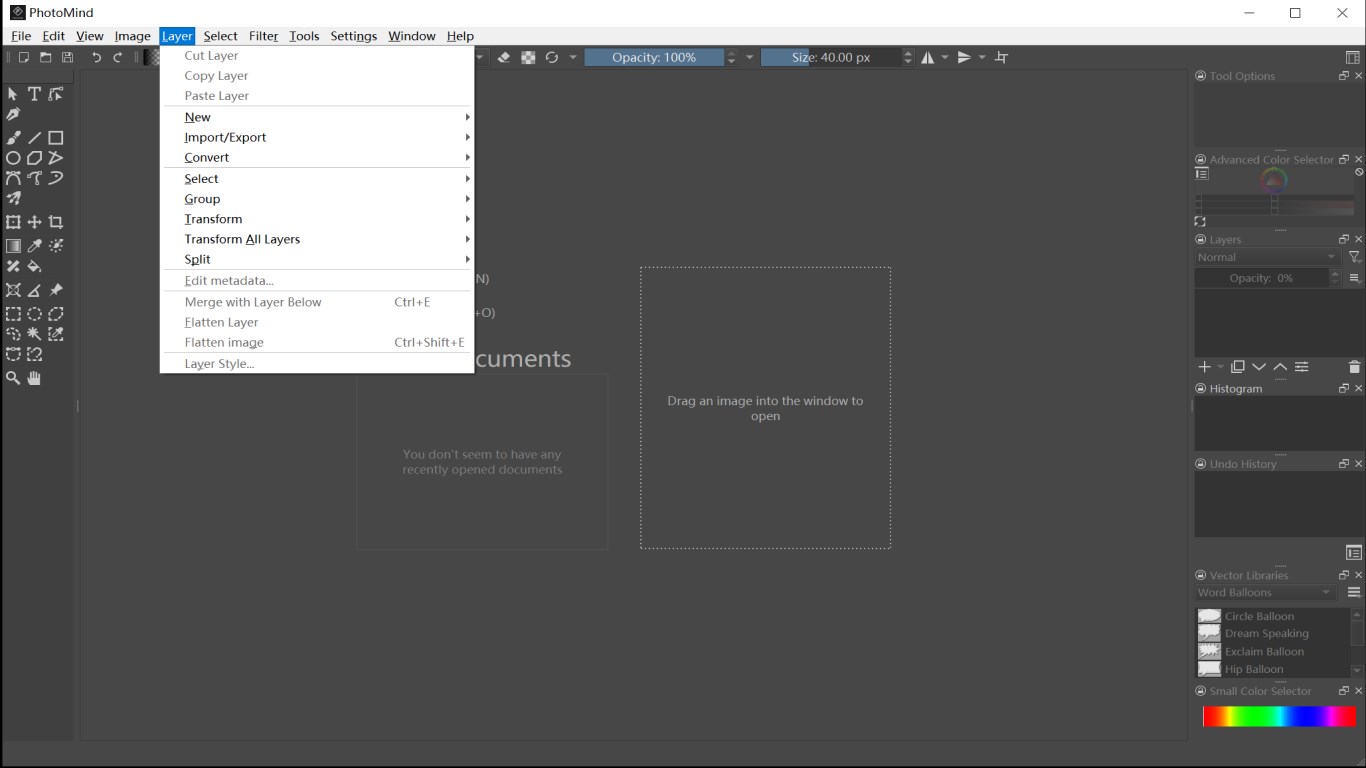
- Advanced Layer Management: Organize your creative process by cutting, copying, grouping, splitting, and flattening layers to build complex, non-destructive compositions.
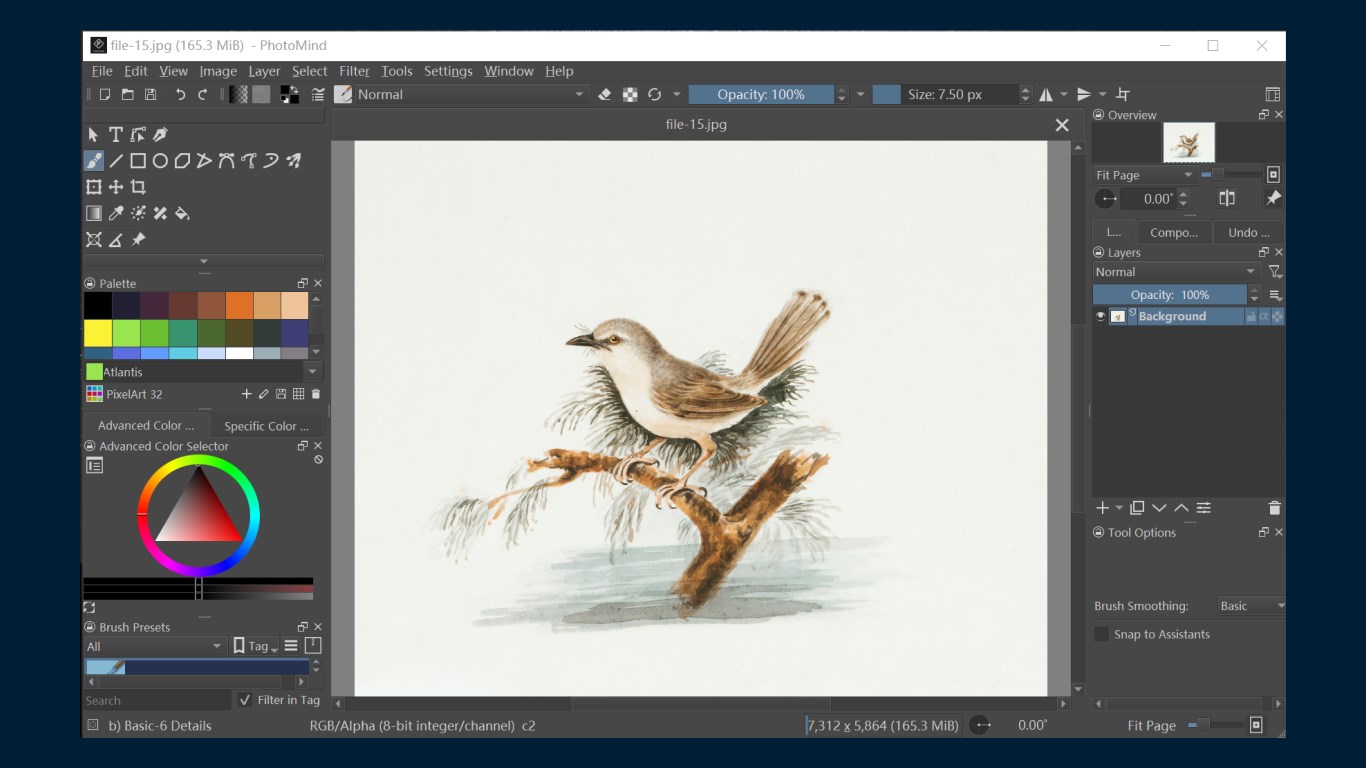
- Robust Illustration Tools: Utilize classic drawing aids including Freehand brushes, precise vector-like shapes, line tools, and advanced transformation options.
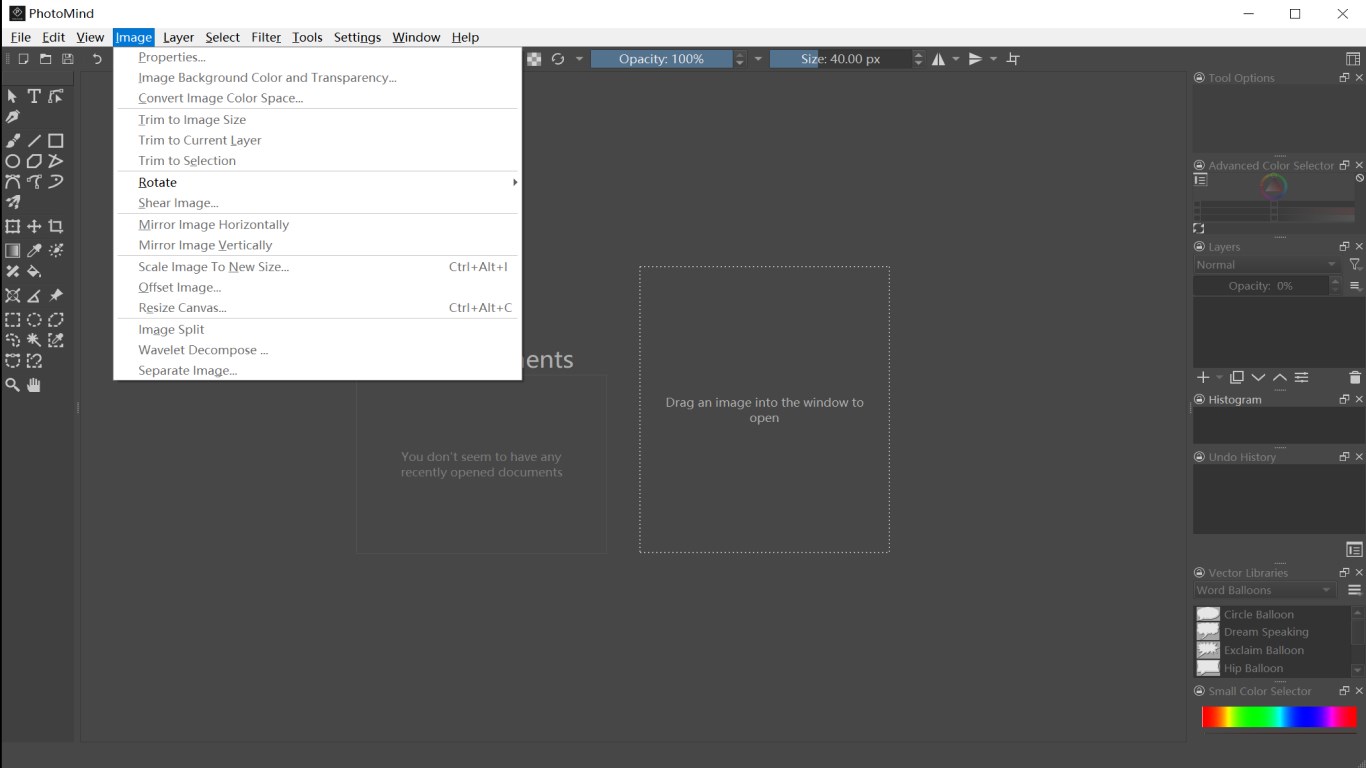
- Comprehensive Image Adjustments: Fine-tune your photography with detailed metadata editing, image scaling, rotation, and built-in filters.
- Broad Format Compatibility: Work easily with professional formats such as GIMP brushes, OpenRaster files, and high-dynamic-range (HDR) images.
Who Is This Creative Suite For?
PhotoMind - FREE Photo Editor & Photo Paint is tailored specifically for budget-conscious artists, comic creators, and photo editors who require a lightweight yet powerful desktop tool. If you frequently collaborate with others using Photoshop or Krita but prefer a free, streamlined native Windows app, this tool fits perfectly into your workflow. It eliminates the bloat of traditional suites while retaining the essential layered editing and brush customizability needed to produce polished, high-quality digital art.
Get Started with PhotoMind
If you are looking to replace paid subscription software with a capable, free alternative, PhotoMind - FREE Photo Editor & Photo Paint is well worth exploring. To read user reviews or try the application out for yourself, visit the official Microsoft Store page to get started on your next creative project.
Rate the App
User Reviews


Popular Apps








Editor's Choice